
AI tutorials
AI tutorials
Practical AI tutorials covering tools, prompting, and reusable automation workflows.
Updated regularly1300 tutorials
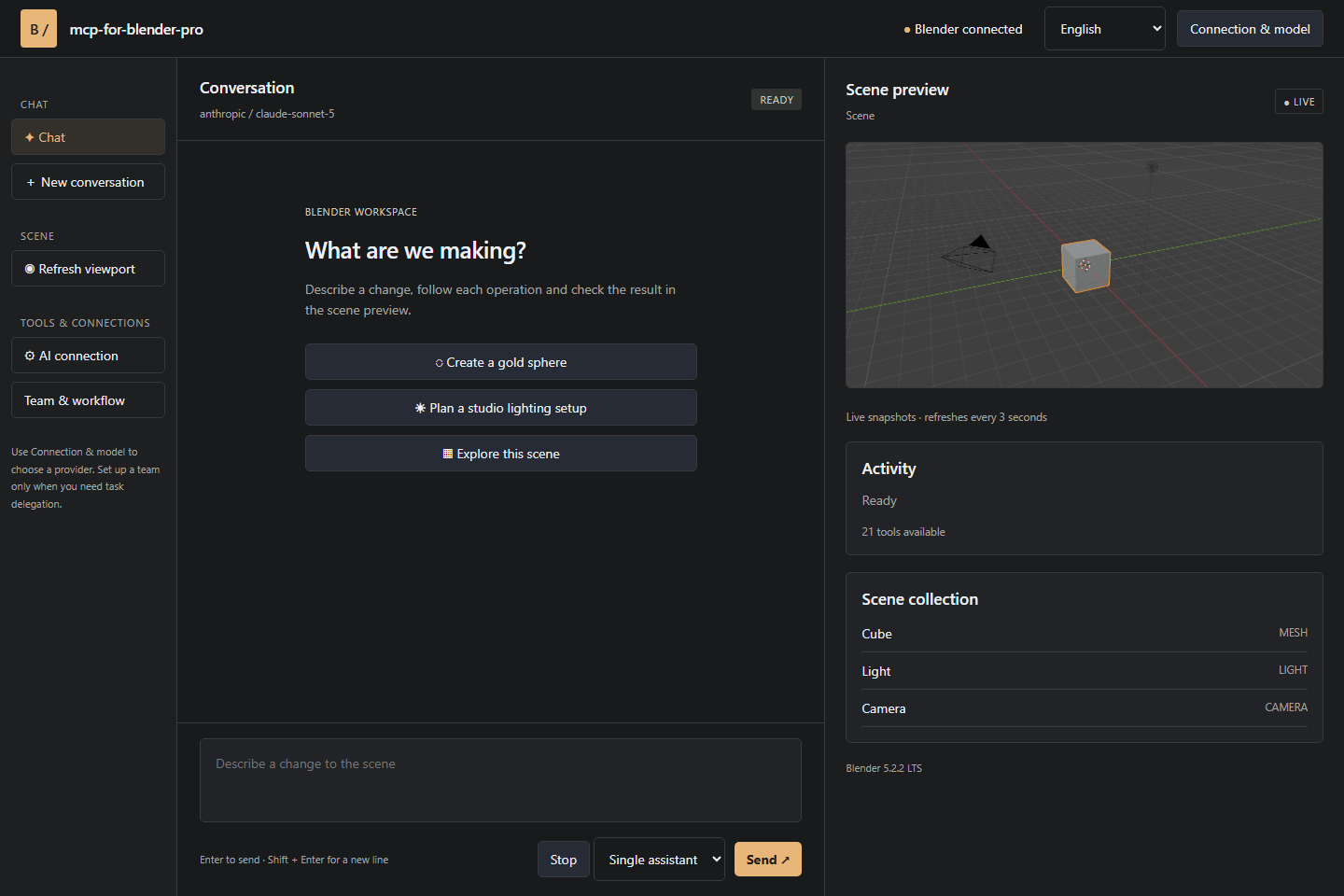 On-site tutorial#AI tutorialBuild and Automate Blender Scenes with mcp-for-blender-proLearn how to install mcp-for-blender-pro, connect a cloud or local AI model, inspect and modify Blender scenes through chat, organize multi-agent workflows, import assets, and connect external MCP clients.

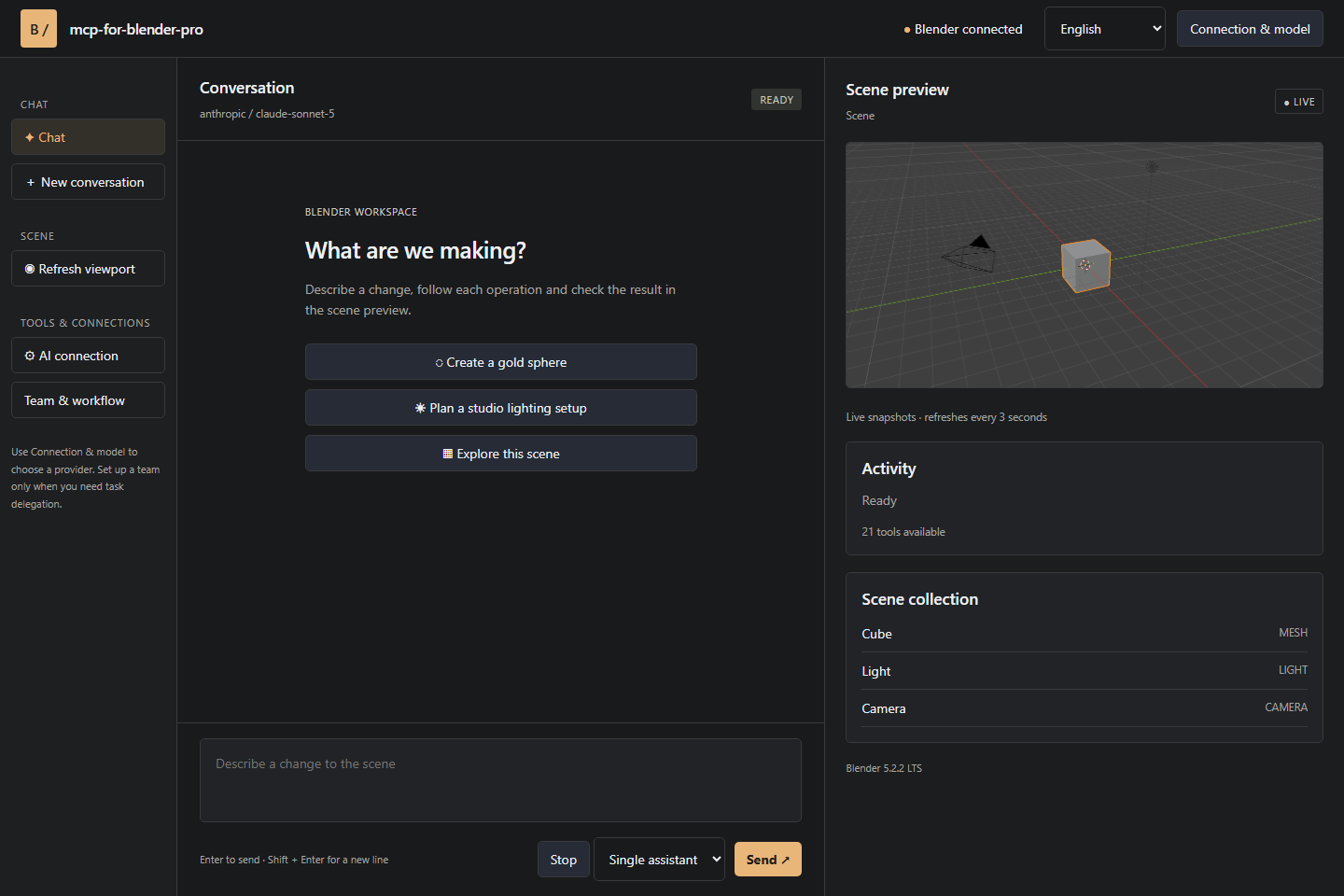 On-site tutorial#AI tutorialAutomate Blender Workflows with mcp-for-blender-proLearn how to install mcp-for-blender-pro, connect an AI provider, inspect and modify Blender scenes through chat, organize complex work with agent teams, and connect external MCP clients while retaining control over scene changes.
 On-site tutorial#AI tutorialUse @[ref1] for ninja, @[ref2] for creature, and the corresponding reference for @[ref3].</think>Use @[ref1] for ninja, @[ref2] for creature, and the corresponding reference for @[ref3].Use @[ref1] for ninja, @[ref2] for creature, and the corresponding reference for @[ref3].</think>Use @[ref1] for ninja, @[ref2] for creature, and the corresponding reference for @[ref3].
 On-site tutorial#AI tutorialGenerate Text-Rich Images and Controlled Layouts with MOSS-ImageThis tutorial explains how to set up MOSS-Image, choose between its Base and SFT models, generate images through Python or Gradio, and position text and objects with structured layout prompts. It also covers recommended sampling settings, memory modes, ComfyUI support, and prompt-enhancement tools.
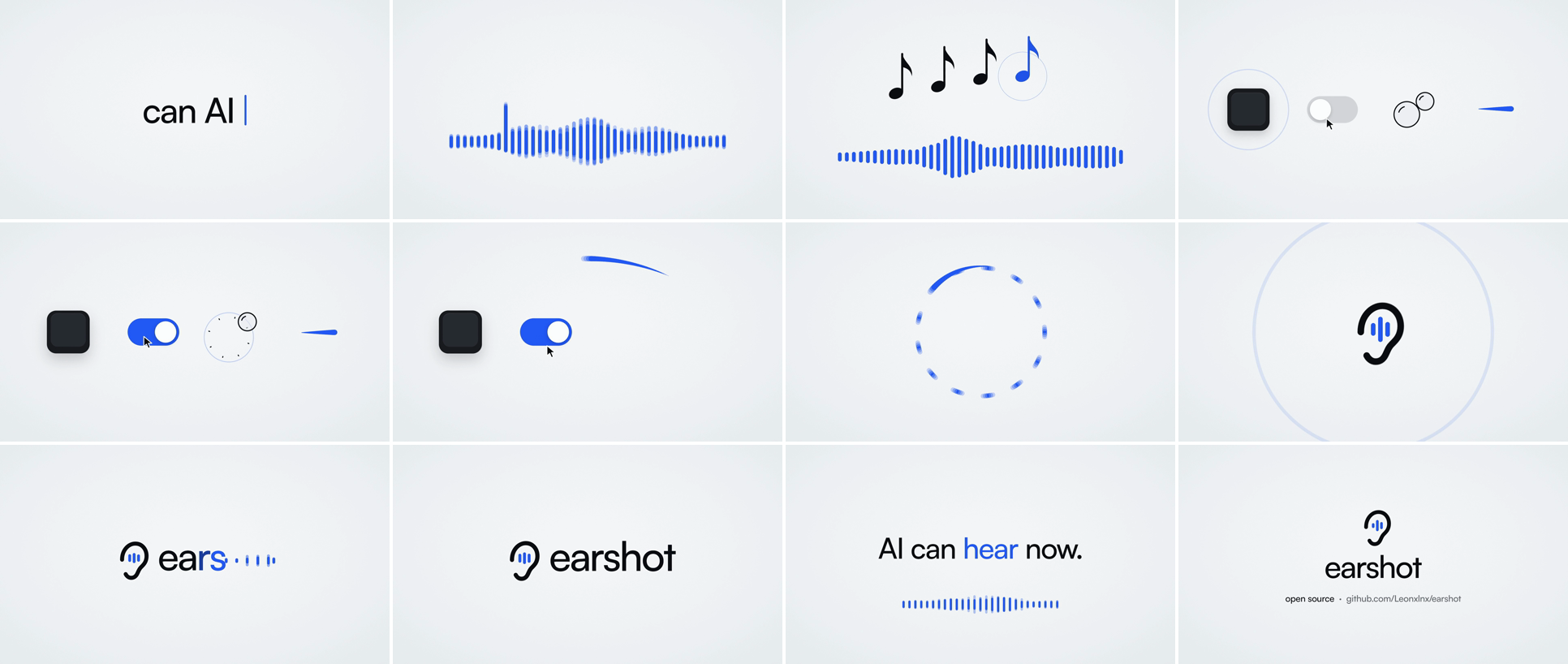 On-site tutorial#AI tutorialHow to Give Coding Agents Audio Analysis and Sound Synthesis with EarshotLearn how to install Earshot, inspect audio from the command line or Python, find events inside recordings, evaluate film soundtracks, run a persistent MCP server, and generate code-synthesized effects with Forge.
 On-site tutorial#AI tutorialNeuraVision Backend: A Practical Setup and Usage GuideLearn how to install and configure NeuraVision, a PHP 7.4+ backend engine for authentication, member dashboards, content-generation requests, billing, support chat, scheduled jobs, and self-hosted analytics.
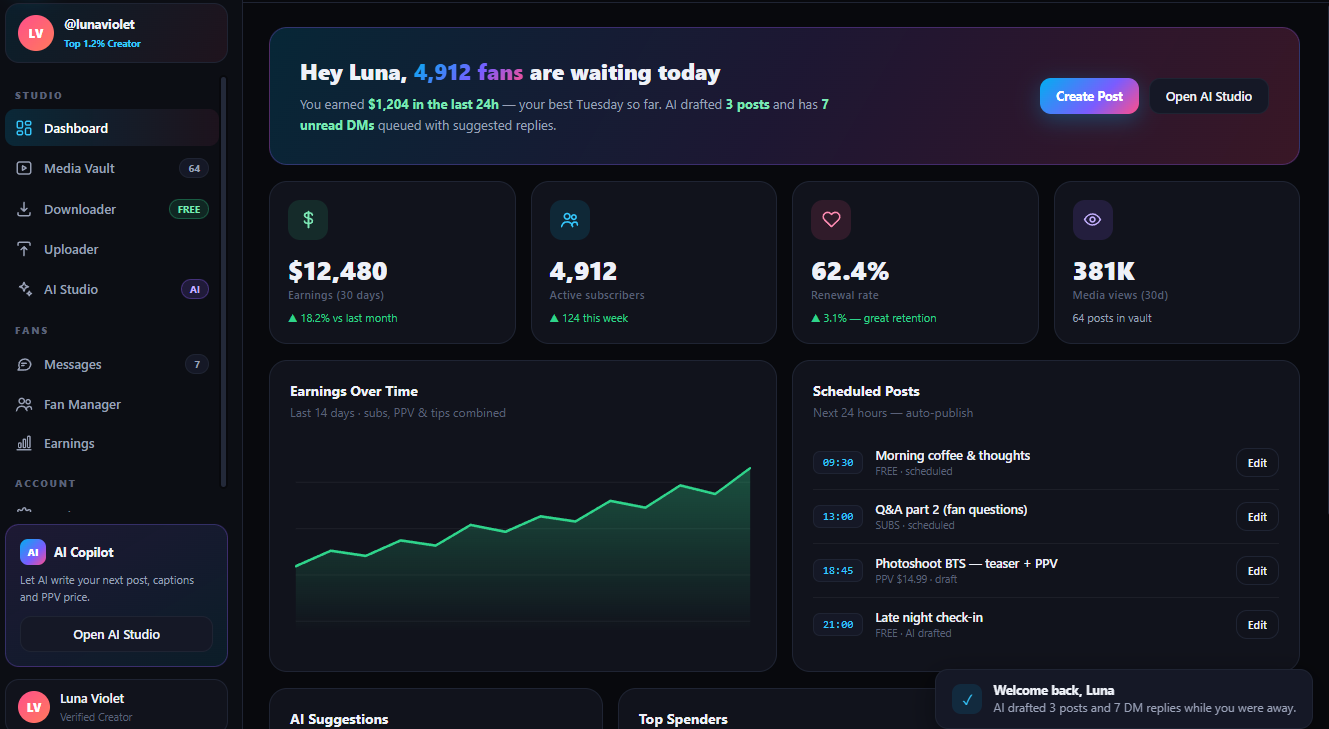 On-site tutorial#AI tutorialAutomate Authorized OnlyFans Video Downloads, AI Tagging, and Uploads on WindowsThis tutorial explains how to install and use onlyfans-ai-creator-video-downloader-uploader-free to fetch authorized videos, download selected clips, generate AI tags, and upload files in bulk. It also covers cookie security, proxy settings, performance tuning, logs, and current feature limitations.
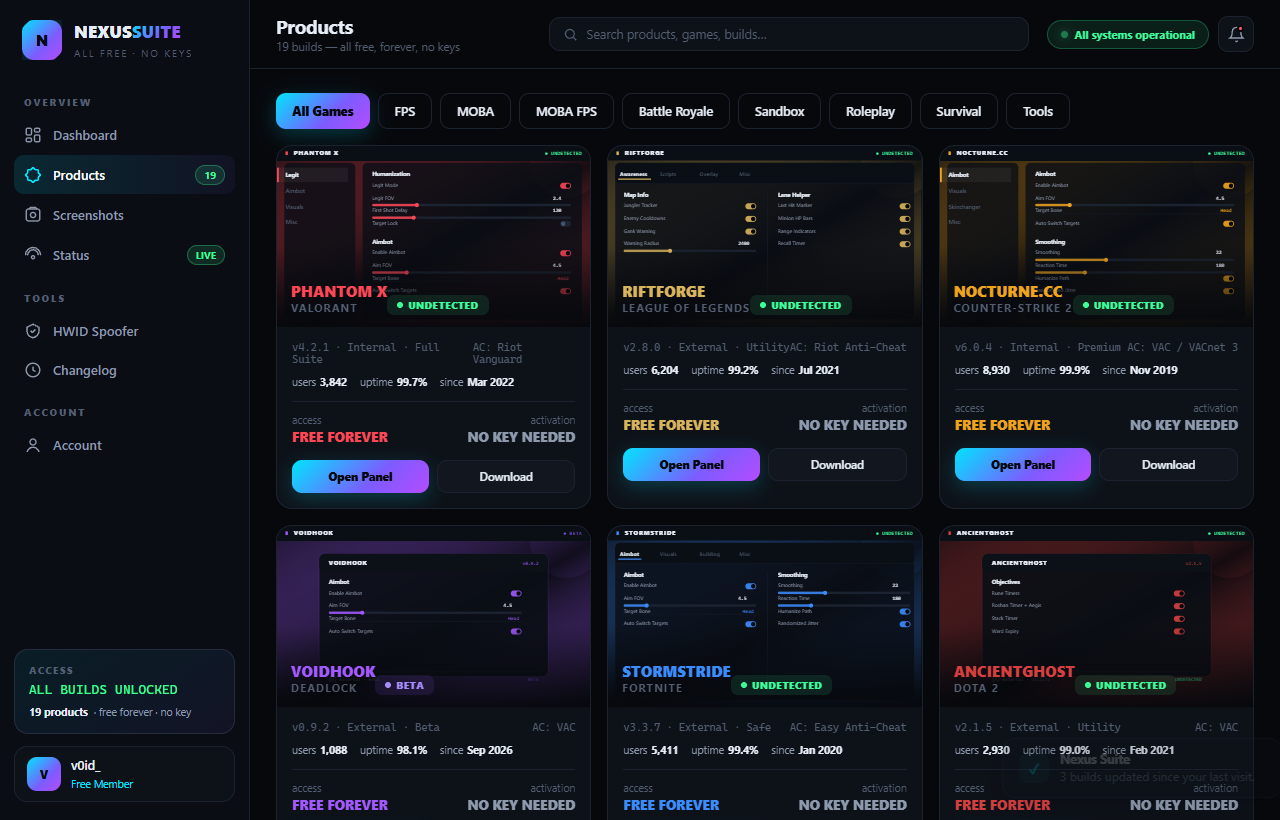 On-site tutorial#AI tutorialHow to Set Up and Use Panel All-in-One for Windows GamesThis tutorial explains what Panel All-in-One offers for Windows games, how to obtain and prepare the release, how its feature matrix is organized, and how to manage configuration files. It also covers compatibility, updates, safety considerations, and responsible testing.
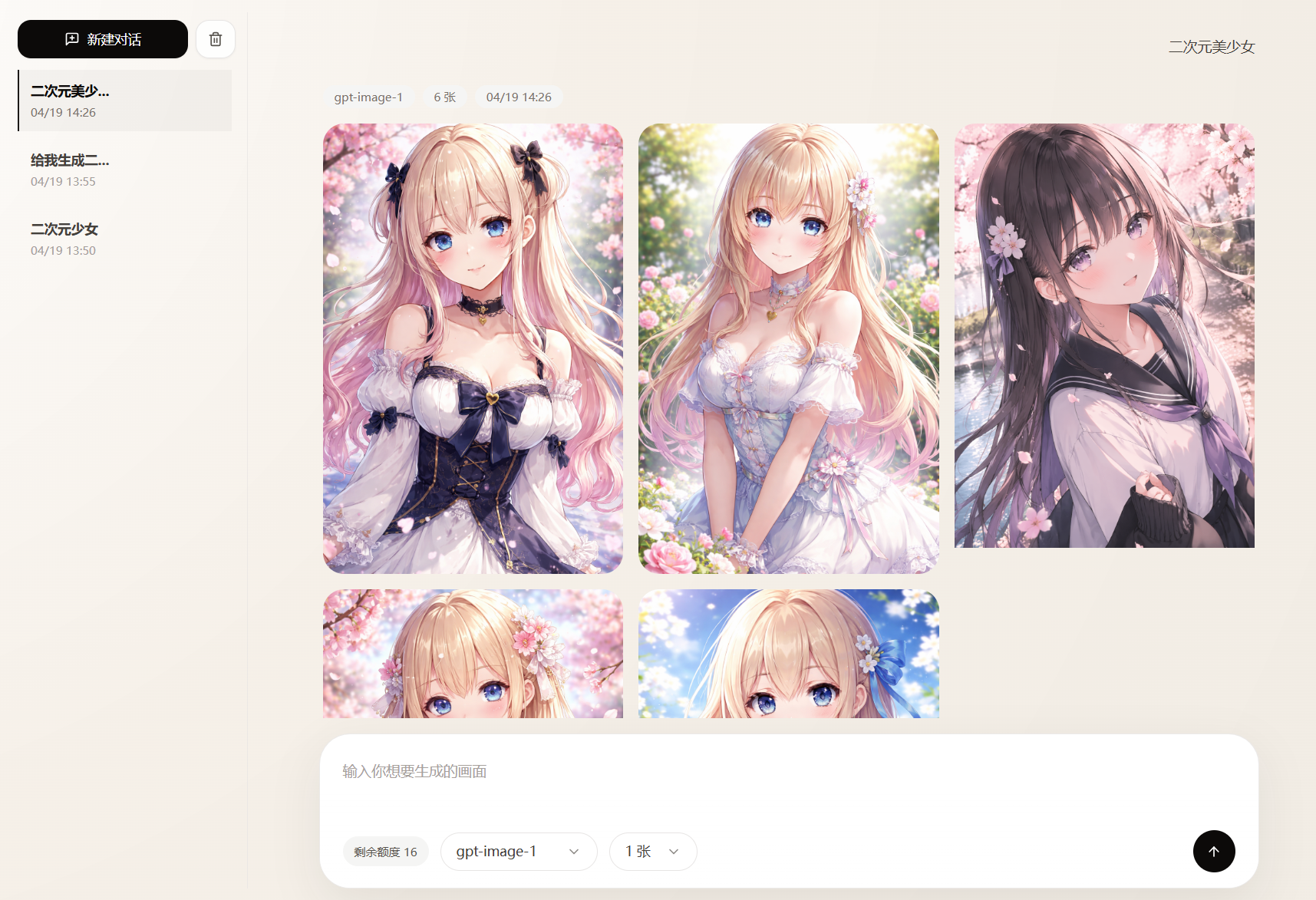 On-site tutorial#AI tutorialChatGPT2API Tutorial: Build an OpenAI-Compatible Image Generation and Editing APIThis article introduces ChatGPT2API’s core capabilities, Docker and local development deployment methods, and demonstrates image generation, image editing, anchor comments, and annotated stroke editing with curl examples. It also explains storage backends, proxy, and account pool configuration.
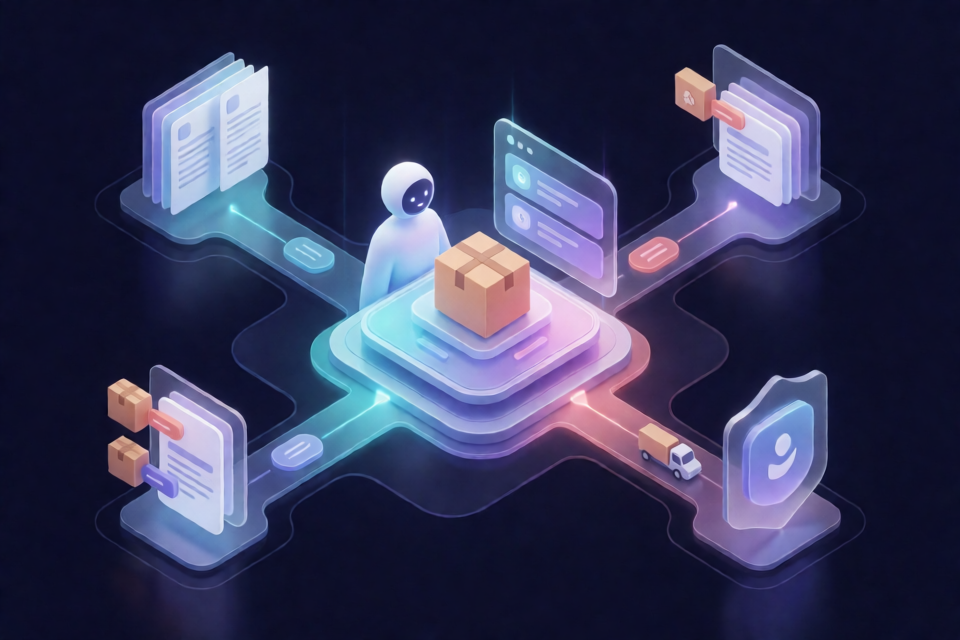 On-site tutorial#AI tutorialBuilding an Adaptive-RAG E-Commerce Customer Service Agent from Scratch: Adaptive Retrieval, Intent Recognition, and Order ToolsThis tutorial will guide you through running an Adaptive-RAG e-commerce customer service agent locally. You will learn about dynamic retrieval, multi-turn evidence gathering, faithfulness validation, Jev and DeepSeek intent recognition, and experience policy Q&A, order lookup, human confirmation, testing and evaluation, and Docker deployment.
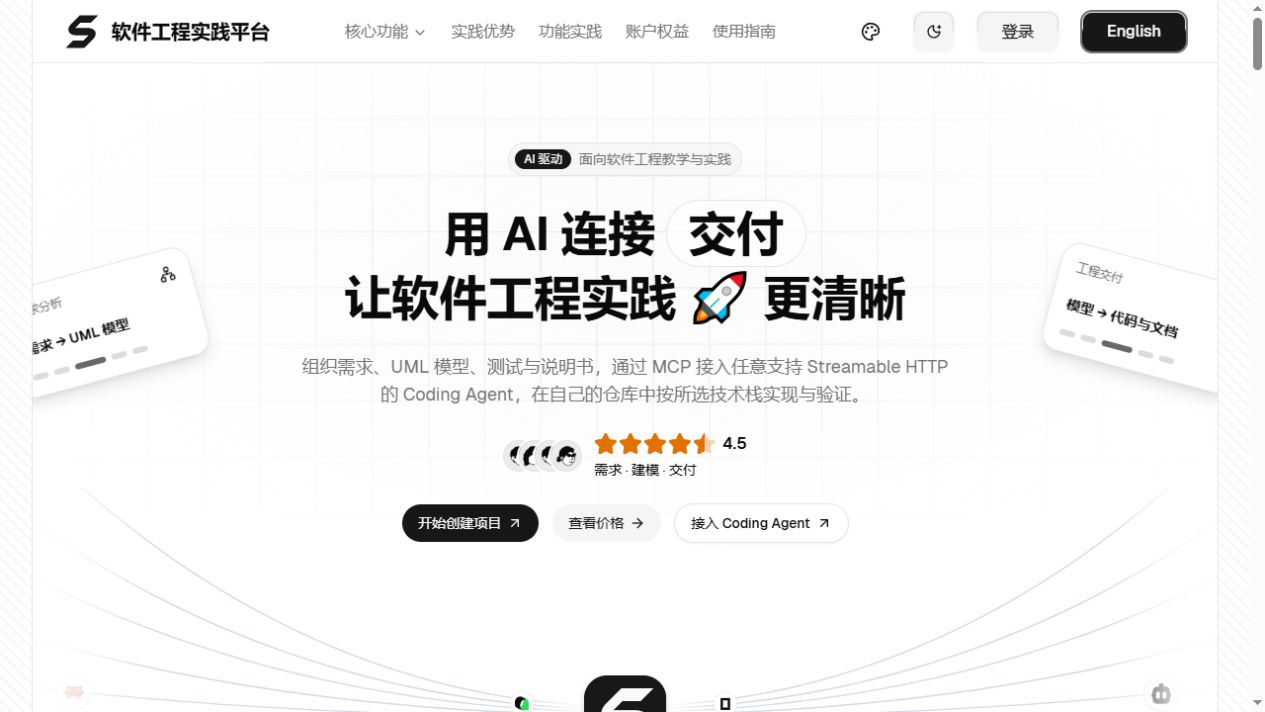 On-site tutorial#AI tutorialGetting Started with SoftJL Community: Connect Requirements, UML, Testing, and Documentation with AIThis tutorial explains how to deploy SoftJL Community, configure an OpenAI-compatible model, and use a library seat reservation system to complete requirements validation, feasibility analysis, UML modeling, test coverage, and engineering documentation generation.