
Find tools, news, and tutorials
One place to explore all published AI content.
“ChatGPT”80 related results
AI tools
17 AI Conversational ChatRating 9.7ChatGPTChatGPT is a general-purpose AI conversation and work platform from OpenAI. Current official documentation brings projects, long-running conversations, web browsing, files, images, plugins, and scheduled tasks into a unified workflow, and lists capabilities such as voice, web search, image generation, image input, browser use, and computer use. Users can research and synthesize information, analyze files and data, and create or edit documents, spreadsheets, and presentations. Specific tools, models, usage limits, and permissions vary by interface, account plan, region, and organization settings. Before enabling browser use, computer operation, or plugins, users should clearly define permission boundaries and review generated content and actual execution results.
 AI Image-and-Text GenerationRating 9.6ChatGPT Images 2.0ChatGPT Images 2.0 is an AI image generation tool for creating visual content. It primarily uses text prompts to generate posters, illustrations, infographics, interface prototypes, and other design assets. Users can describe a subject, style, layout, or reference material, then continue refining the generated result. They can also combine uploaded files or screenshots for visual analysis. The tool supports prompts in multiple languages, text layout within images, batch generation, and various aspect ratios, making it suitable for designers, content creators, product designers, developers, and marketing professionals. The product offers free and paid usage options. Generated results still require human review, especially for factual information, text details, brand guidelines, and complex layouts.
 AI Intelligent AssistantsRating 7.8ContentDetector.AIContentDetector.AI is an English AI text detection tool for content creators, educators, corporate reviewers, and general readers. Users paste the text they want to check into the input box and submit it for scanning. The service returns an AI-generation probability percentage and displays the word and character counts. It supports detecting content generated by ChatGPT, Gemini, Claude, and models such as GPT-4, GPT-4o, and GPT-o1. It is free to use with unlimited checks. The tool is suitable for preliminary screening before publishing blogs, papers, marketing copy, and submitted content. Detection results are probability-based and should not be used alone as a final basis for determining a text's origin or authenticity; human review and contextual analysis are still required.
 AI Prompt LibraryRating 7.6Snack PromptSnack Prompt is an AI workflow platform for individuals and teams. It provides a centralized place to discover prompts, AI agents, frameworks, and automation content, while supporting element creation, knowledge organization and search, and integration of elements into automated workflows. Users can browse content on the official website and refer to the documentation for quick starts and integrations.
 AI Intelligent AssistantsRating 7.8PancakePancake is an AI agent platform for business customer acquisition. After users add their website, the platform builds a GTM Brain, monitors real-time buyer conversations, identifies potential leads, generates outreach content, and publishes articles for Google and ChatGPT. Plans are offered monthly and include all agents, with access through the website app and scheduled consultations.
 AI Office ToolsRating 8ChronicleChronicle, developed by ChronicleHQ Inc., helps professional teams turn raw notes, meeting documents, data, and business information into editable, brand-compliant presentations. Users can create and edit content on the web, or generate presentations from Claude, ChatGPT, and other workflows using Chronicle MCP and API, then export them to PowerPoint or PDF.
AI news
50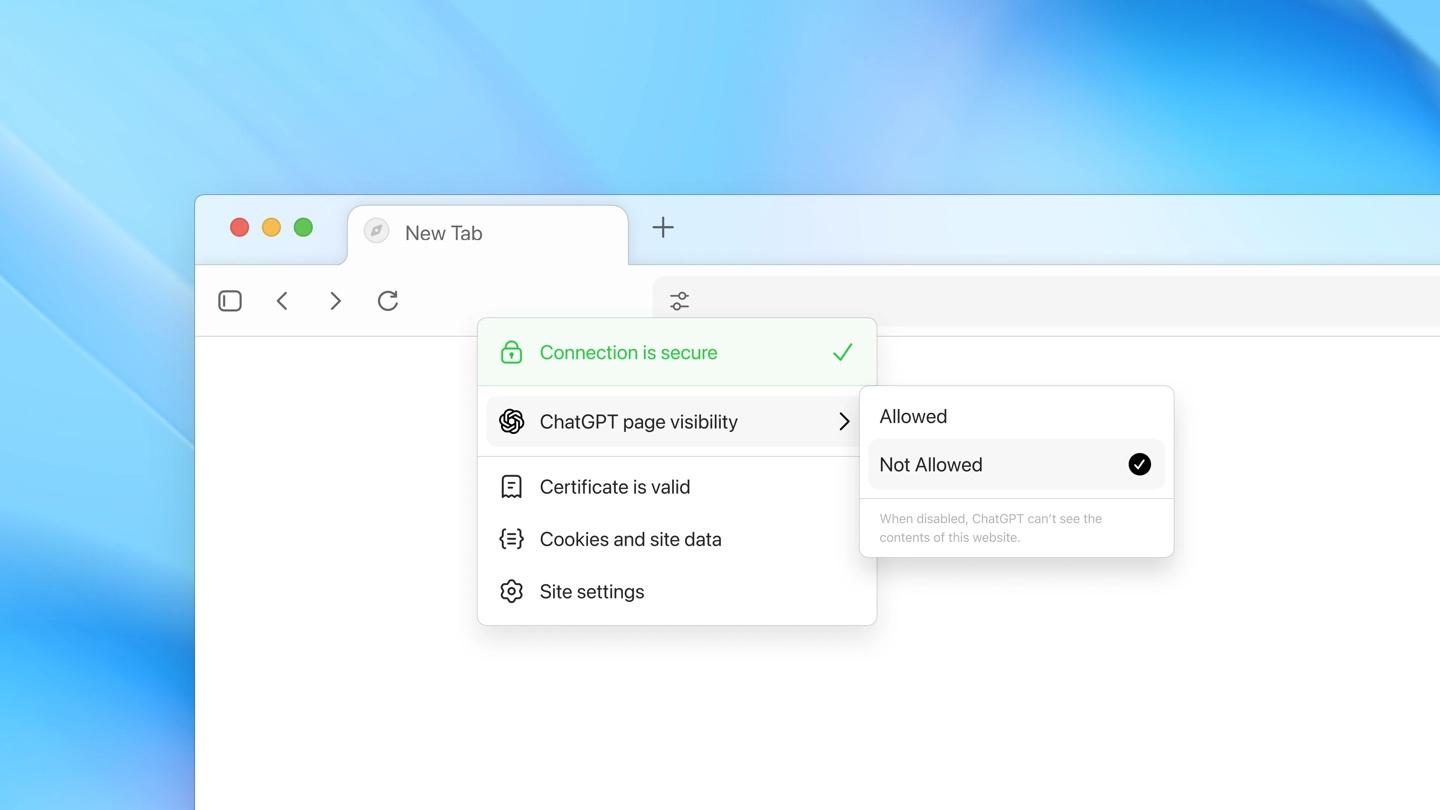 Industry Watch08/18/2026ChatGPT Atlas Browser to Shut Down on August 9; Users Urged to Export Bookmark Data PromptlyOpenAI's ChatGPT Atlas browser will stop operating on August 9. The official recommendation is for users to export their bookmarks and browsing history as HTML files in advance and migrate to Chrome or other browsers. Note that Cookies data cannot be exported, so users will need to log in again. #ChatGPTAtlasShutdown#
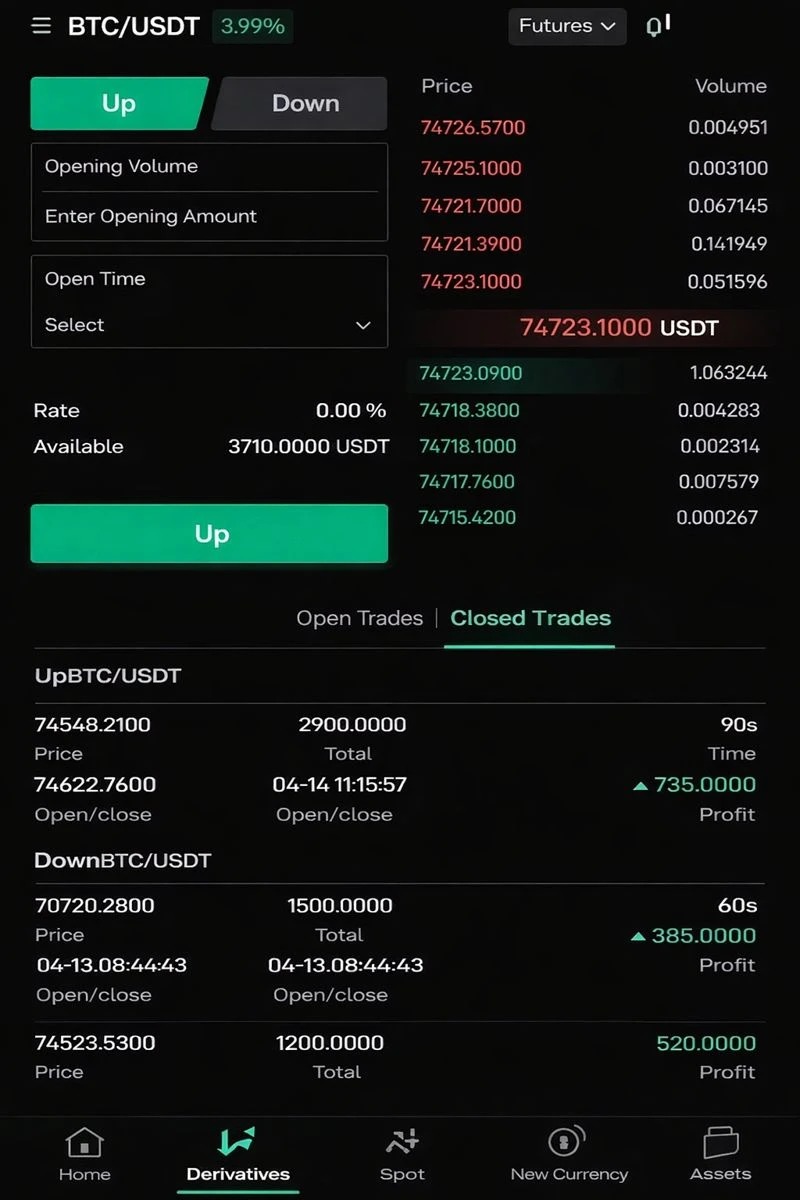 AI Safety & Governance08/18/2026ChatGPT Exploited by Cambodian Scam Network, OpenAI Takes Action by Banning AccountsScammers used ChatGPT to create scam content and fabricate identities to carry out romance-investment scams. After receiving leads, OpenAI banned the relevant accounts and shared related information. #ChatGPTScam#
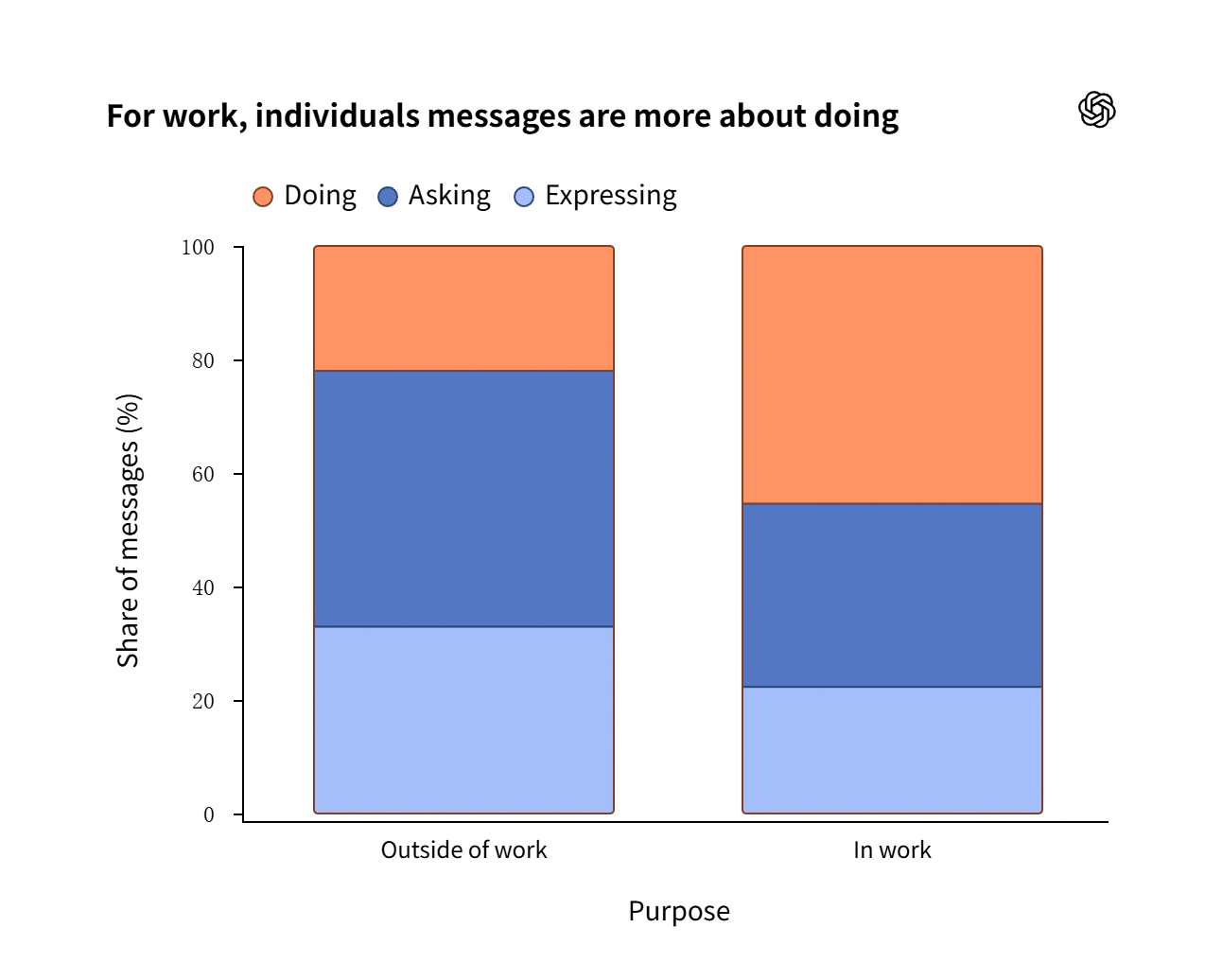 Industry Watch08/24/2026OpenAI Reveals Demographics of ChatGPT's 1 Billion Global Users: Usage Among Those Aged 35 and Over Is RisingOpenAI published a blog post yesterday (August 6), reporting that more than 1 billion people worldwide use ChatGPT, with usage shifting from an “answering tool” to a “task tool”.
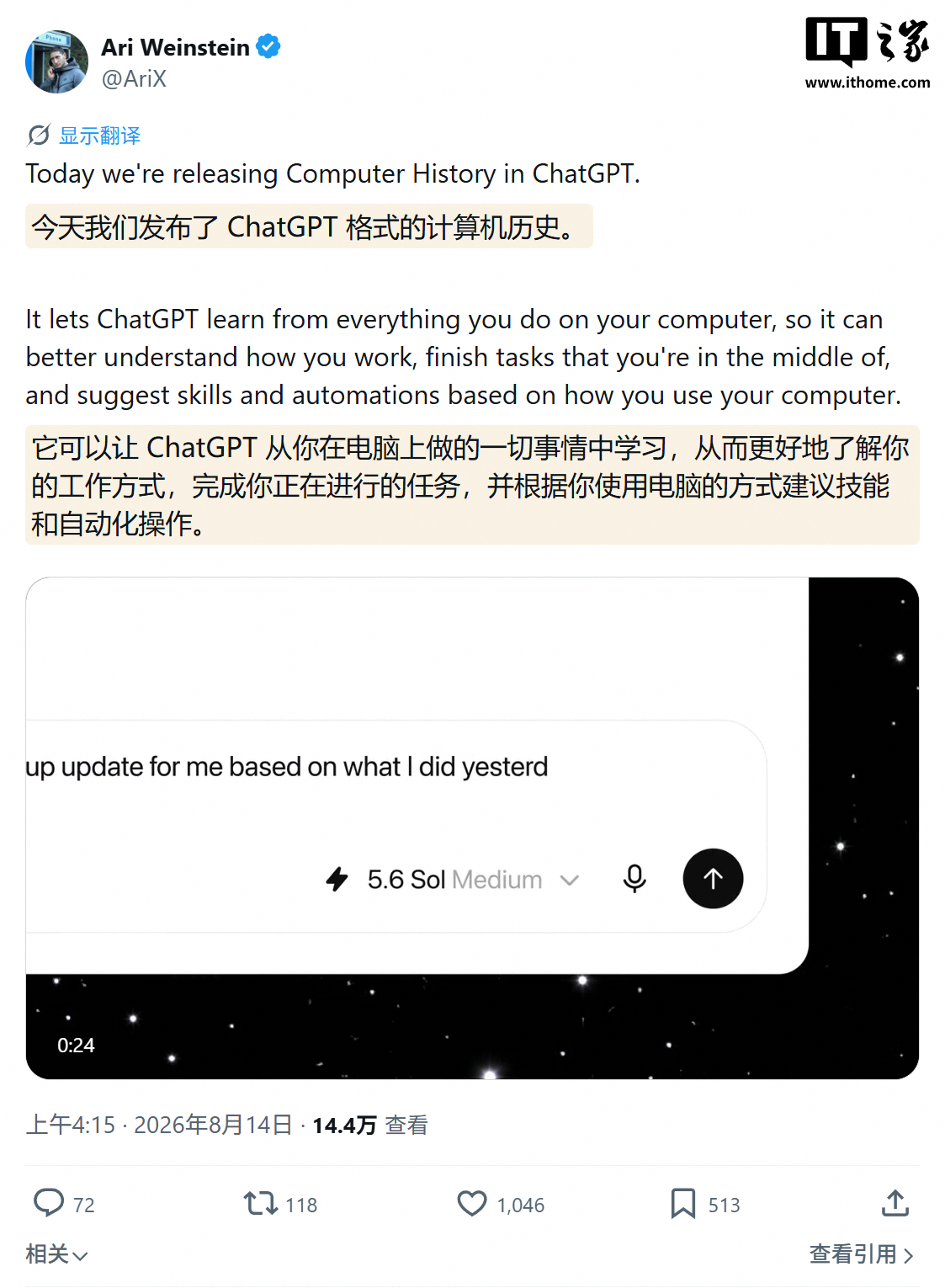 Product Updates08/18/2026No More Relying on Screenshots to Record Activity: ChatGPT for Mac Adds Computer History AI FeatureOpenAI published a blog post yesterday (August 13) announcing the optional rollout of Computer History, replacing the previous Chronicle research preview and bringing activity memory and timeline support to the ChatGPT desktop app for Mac.
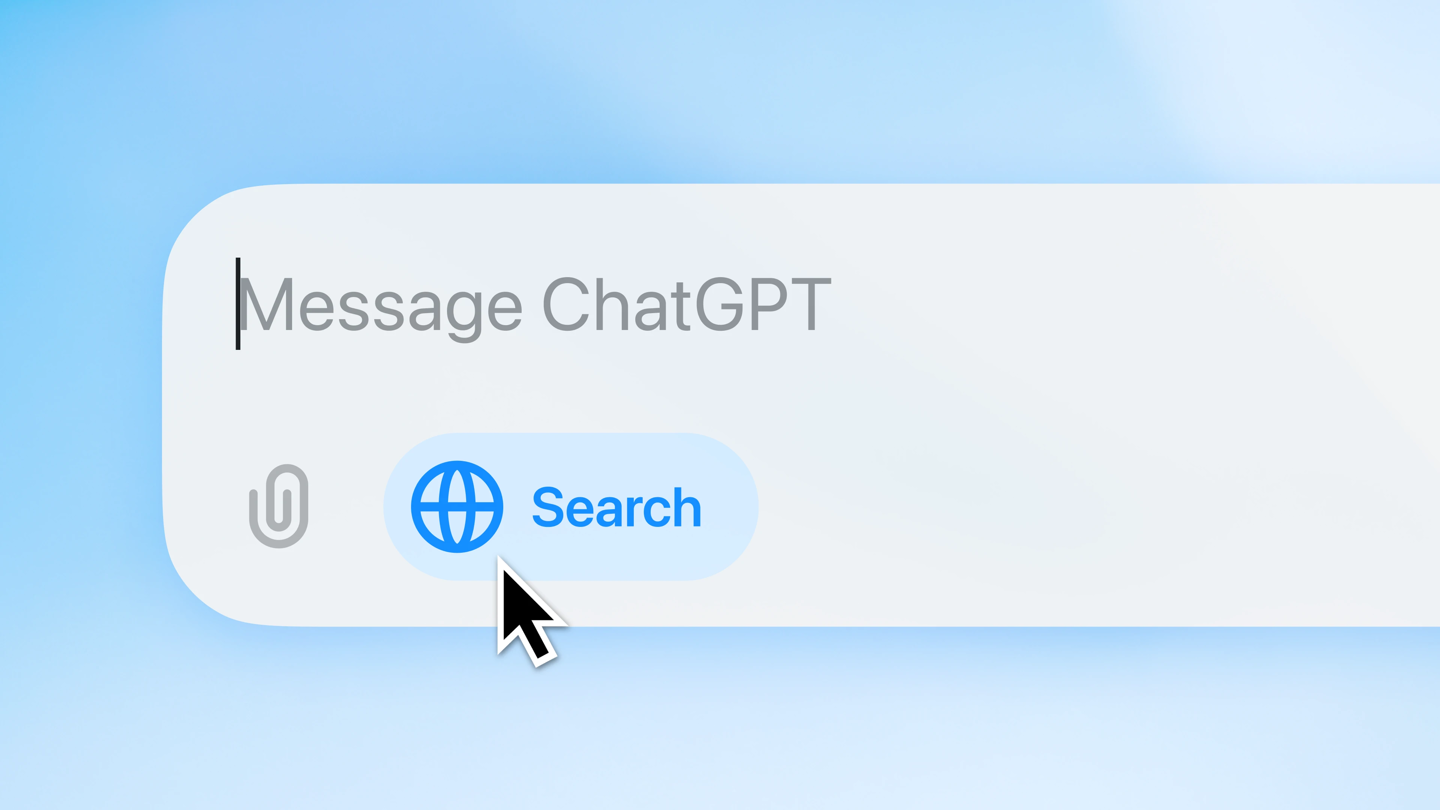 Product Updates08/18/2026OpenAI Tests Paid ChatGPT Plus Usage Reset, Allowing Users to Pay $8 to Restore Their AllowanceSome ChatGPT Plus users have found that after using up their weekly allowance, they can pay $8 to reset it immediately. OpenAI confirmed that it is testing the feature, which is intended to give users more flexibility in using the product. The move is viewed as one strategy in the competition for users with Anthropic. #ChatGPT# #OpenAI#
AI tutorial
13 AI tutorial08/28/2026Use ChatGPT to Plan and Review Codex Coding TasksLearn how to install Codex with ChatGPT, connect its OAuth-protected MCP bridge, and use ChatGPT for planning and review while Codex edits files and runs tests. This tutorial also explains the project’s security boundaries, developer commands, troubleshooting tools, and advanced workflow tips.
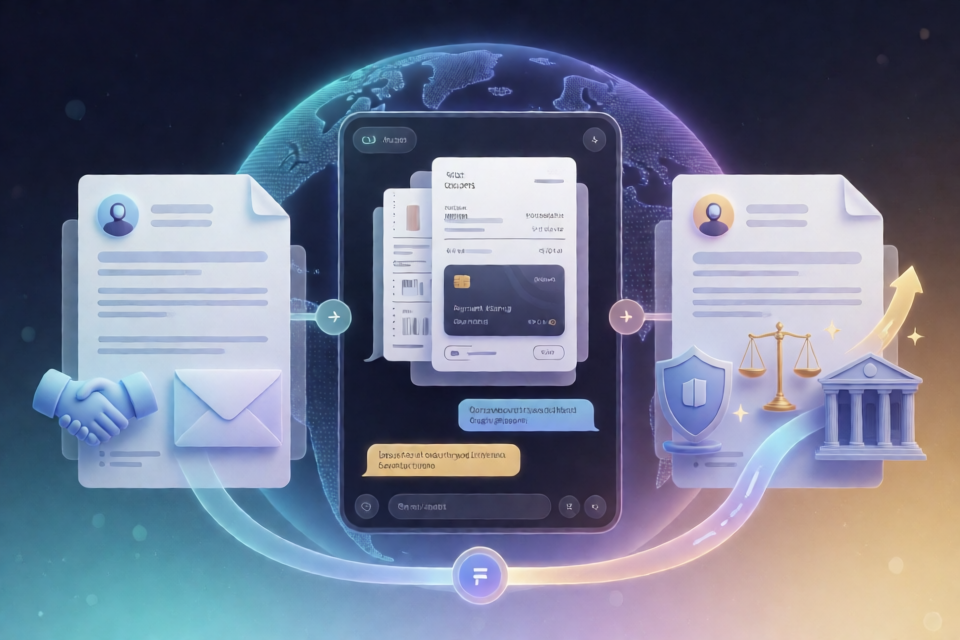 AI tutorial09/08/2026Turn Any Capable AI into a Two-Phase Refund AssistantLearn how to use Refund Prompt with Claude, ChatGPT, or another capable AI. This tutorial covers document preparation, company-policy research, the polite first-phase letter, legal escalation, and practical tips for reviewing and sending the generated correspondence.
 AI Coding08/18/2026Pi Agent Installation, Configuration, and First Conversation TutorialSetting up pi is simple—just one command. The only thing to decide first is the authentication method: use an existing subscription or an API key. This guide walks through installation, authentication, and your first conversation in one go. Core concept: two authentication methodsAfter pi is installed, it needs credentials from an LLM provider to work. There are two authentication paths, and understanding the difference is the only thing you really need to figure out in this guide: Subscription login (/login)|API KeyWhat to use|Claude Pro/Max, ChatGPT Plus/Pro, and other subscriptions|An API key issued by a providerBilling|Complex (subscription quota + possible additional usage)|By token
 AI Design08/18/2026Use the Cloze Method to Remove the AI Feel from AI-Assisted WritingWhen writing, if you want your content to feel more human, you can follow these steps:
1. Define your audience and context
- Understand your readers’ background, needs, and emotional concerns to ensure the language matches their life experiences.
2. Use natural, conversational language
- Appropriately use first-person or dialogue-style sentences, avoiding overly formal or stiff wording.
3. Add specific details and emotional descriptions
- Use real examples, scene details, or emotional language to help readers connect with the content.
4. Use AI to help generate a draft
- Enter clear writing instructions into large language models such as ChatGPT and Claude—for example, “Please write an introduction to … in a relaxed tone and include personal impressions”—to obtain a first draft.
5. Polish and proofread manually
- Review the AI-generated content, adjust the tone, remove redundant information, and ensure the logic is coherent and the emotions feel genuine.
6. Check tonal consistency
- Use a text sentiment analysis tool such as Sentiment Analyzer to confirm that the overall emotional direction matches your expectations.
7. Iterate continuously
- Keep improving the way you express ideas based on reader feedback or data metrics such as reading time and engagement rate.
By following this process, creators can combine the efficiency of AI generation with the nuance of human review to produce content that feels more human.
AI Design08/18/2026Use the Cloze Method to Remove the AI Feel from AI-Assisted WritingWhen writing, if you want your content to feel more human, you can follow these steps:
1. Define your audience and context
- Understand your readers’ background, needs, and emotional concerns to ensure the language matches their life experiences.
2. Use natural, conversational language
- Appropriately use first-person or dialogue-style sentences, avoiding overly formal or stiff wording.
3. Add specific details and emotional descriptions
- Use real examples, scene details, or emotional language to help readers connect with the content.
4. Use AI to help generate a draft
- Enter clear writing instructions into large language models such as ChatGPT and Claude—for example, “Please write an introduction to … in a relaxed tone and include personal impressions”—to obtain a first draft.
5. Polish and proofread manually
- Review the AI-generated content, adjust the tone, remove redundant information, and ensure the logic is coherent and the emotions feel genuine.
6. Check tonal consistency
- Use a text sentiment analysis tool such as Sentiment Analyzer to confirm that the overall emotional direction matches your expectations.
7. Iterate continuously
- Keep improving the way you express ideas based on reader feedback or data metrics such as reading time and engagement rate.
By following this process, creators can combine the efficiency of AI generation with the nuance of human review to produce content that feels more human. AI tutorial09/08/2026How to Find and Connect to Remote MCP ServersLearn how to use the Awesome Remote MCP Servers directory to discover hosted Model Context Protocol endpoints, understand authentication requirements, configure compatible AI clients, and choose services for development, databases, content, finance, productivity, and other workflows.
 AI tutorial09/04/2026Audit Your Brand’s AI Visibility with NiubiGEOLearn how to self-host NiubiGEO, connect your preferred AI provider, run a brand visibility audit, and inspect the questions, competitors, citations, and original model answers behind its conclusions.