
AI tutorials
AI tutorials
Practical AI tutorials covering tools, prompting, and reusable automation workflows.
Updated regularly1302 tutorials
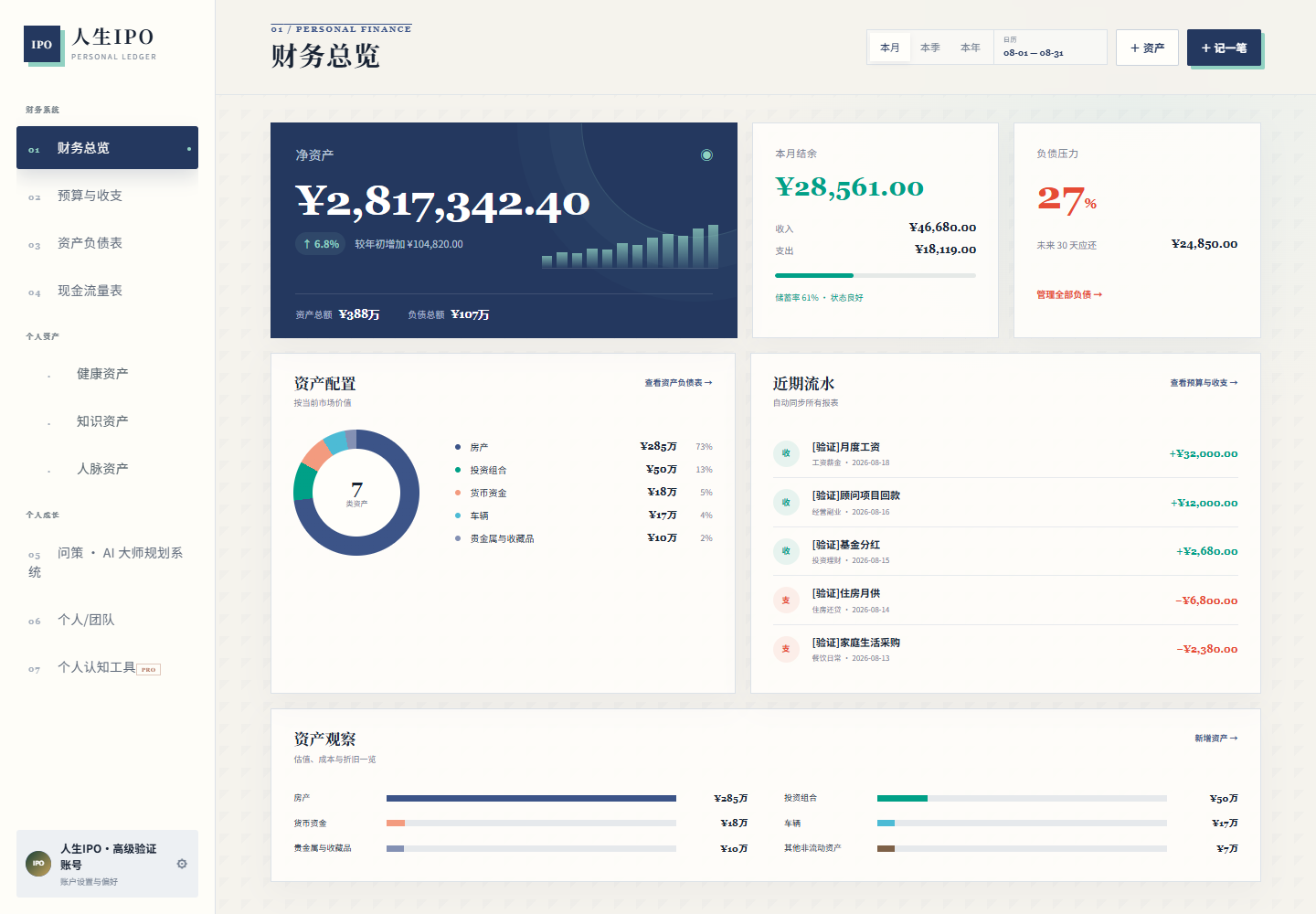 On-site tutorial#AI tutorialLife IPO Beginner’s Guide: Build a Personal Operating System for Finances, Health, Knowledge, Relationships, and ActionLearn how to install and launch Life IPO on Windows, use its core modules, export data, configure security, and run quality checks.

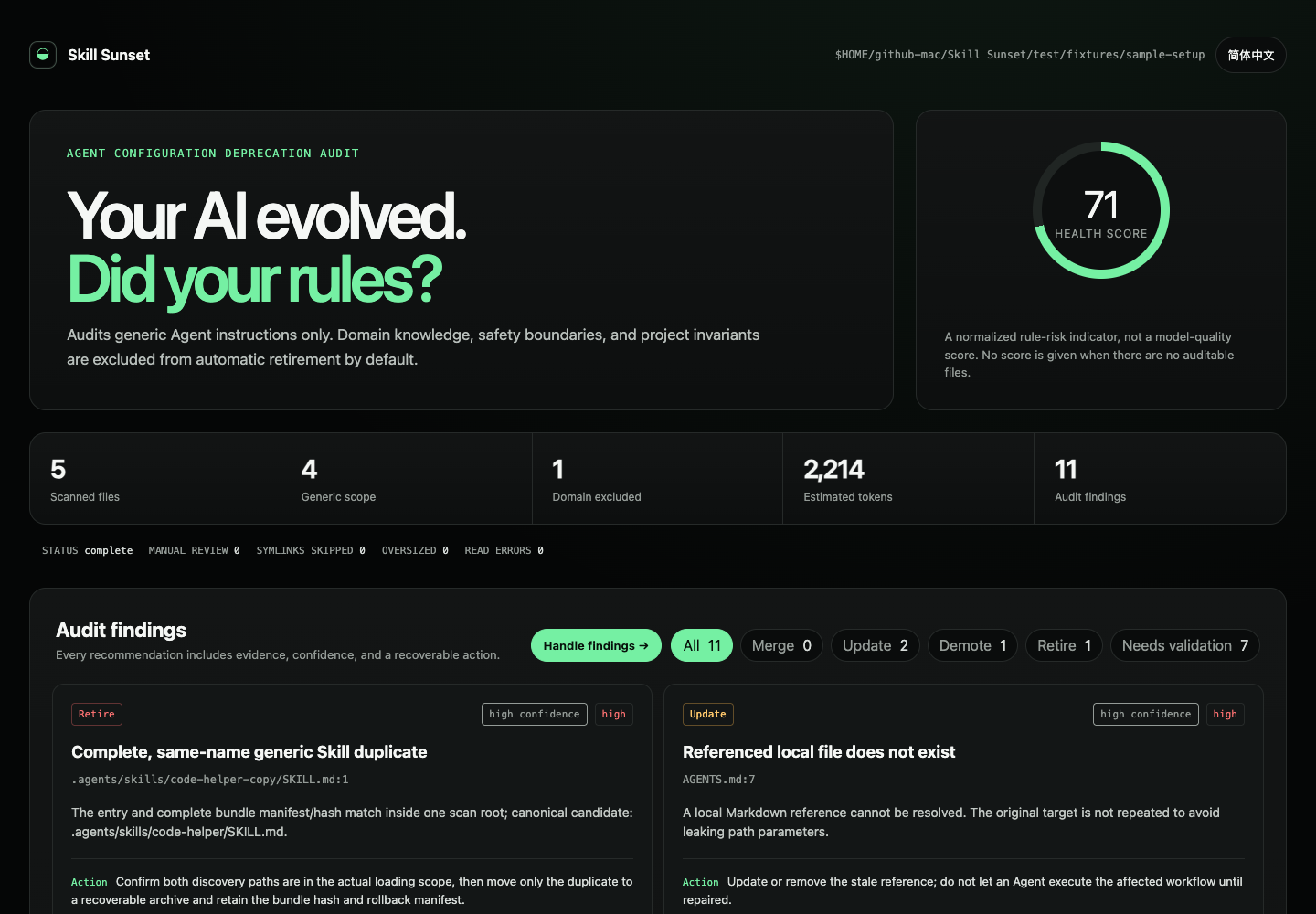 On-site tutorial#AI tutorialAudit Stale AI Instructions Safely with Skill SunsetLearn how to use Skill Sunset to audit AGENTS.md, CLAUDE.md, and SKILL.md files for broken references, duplicates, oversized instructions, and potentially outdated rules. This tutorial covers setup, report generation, CI integration, behavioral experiments, safe remediation, and rollback.
 On-site tutorial#AI tutorialBuild and Run an Open-Source AI Image and Video Studio with OpenHiggsfield AILearn how to install OpenHiggsfield AI, connect your platform key, generate media, manage results, and understand its catalog-driven Next.js architecture.
 On-site tutorial#AI tutorialAutomate Daily AI Quota Check-ins with Auto-CheckinLearn how to install Auto-Checkin, configure GoRouter, Tabi AI, JustDoWork, and SeekAI accounts, connect YesCaptcha for Cloudflare Turnstile resolution, run a check-in, and schedule daily execution with cron.
 On-site tutorial#AI tutorialBuild a Decentralized AI Agent Identity with the Technocore ToolkitLearn how to install the Technocore Agent Toolkit, generate a self-sovereign Ed25519 identity, publish a durable DID record, communicate through signed messages, create contribution proofs, and maintain an active agent presence in the Technocore and Flop Labs ecosystem.
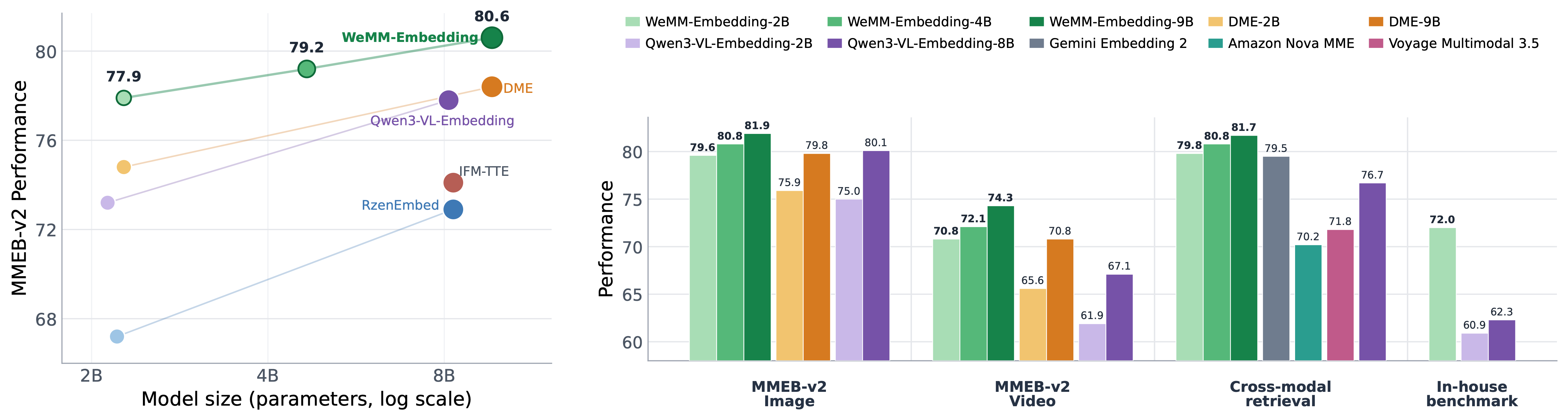 On-site tutorial#AI tutorialGenerate Multimodal Embeddings with WeMM-EmbeddingLearn how to install WeMM-Embedding, select a model, generate multimodal vectors with Transformers or Sentence Transformers, reduce vector dimensions with Matryoshka embeddings, deploy an inference server, and run the MMEB-v3 evaluation pipeline.
 On-site tutorial#AI tutorialAudit AI-Helper-Menu Safely: Architecture, Build Process, and Security ChecksThis tutorial examines AI-Helper-Menu’s stated capabilities, technology, build workflow, and browser integration methods. It emphasizes source inspection and isolated testing because the project modifies a third-party service, may violate Blooket’s rules, and includes an installer command that downloads executable code from an unrelated domain.
 On-site tutorial#AI tutorialInstalling and Using Femboy Skill: Inclusive, Low-Risk Guidance for Feminine Expression and Adult Body ExplorationLearn to install Femboy Skill in Codex or another Skill-enabled Agent and ask safer questions about voice feminization, beauty, clothing, and adult body exploration.
 On-site tutorial#AI tutorialwenai Beginner’s Guide: Build an AI Romance Skill with Memory and Image GenerationConnect wenai to OpenClaw or a similar Agent framework for user verification, personality configuration, ComfyUI image generation, persistent relationship profiles, and continuous scenarios.
 On-site tutorial#AI tutorialCreate AI Presenter Videos with a Codex Skill: From Task Setup to Quality AssuranceLearn to use lanshu-create-ai-presenter-video with Codex or a compatible Agent for scripting, voiceover, presenter generation, lip-sync, subtitles, editing, rendering, and quality assurance.
 On-site tutorial#AI tutorialConnect an AI Assistant to x64dbg with x64dbg-MCP ServerLearn how to install x64dbg-MCP Server, secure its HTTP endpoint, connect an MCP-compatible AI assistant, and perform common debugging tasks such as loading binaries, setting breakpoints, inspecting registers, reading memory, tracing code, and analyzing modules.
 On-site tutorial#AI tutorialBuild and Monitor a Live Biosecurity World with Biosecurity AgentLearn how to install Biosecurity Agent, describe what you want to protect, monitor its evidence-backed world, and restore ongoing watches between sessions. This tutorial also covers the optional visual viewer, supported model adapters, privacy safeguards, and practical ways to refine connected targets.